Pay as you go
No subscription$0monthly subscription
- Pay for generation as you go
- No monthly credits included
- 0 GB Cloud storage
- Chat usage included
Make songs, images, and videos.
Your imagination. The best models. One place.
Your words. Your sound. A song you can build on.
Explore Music Studio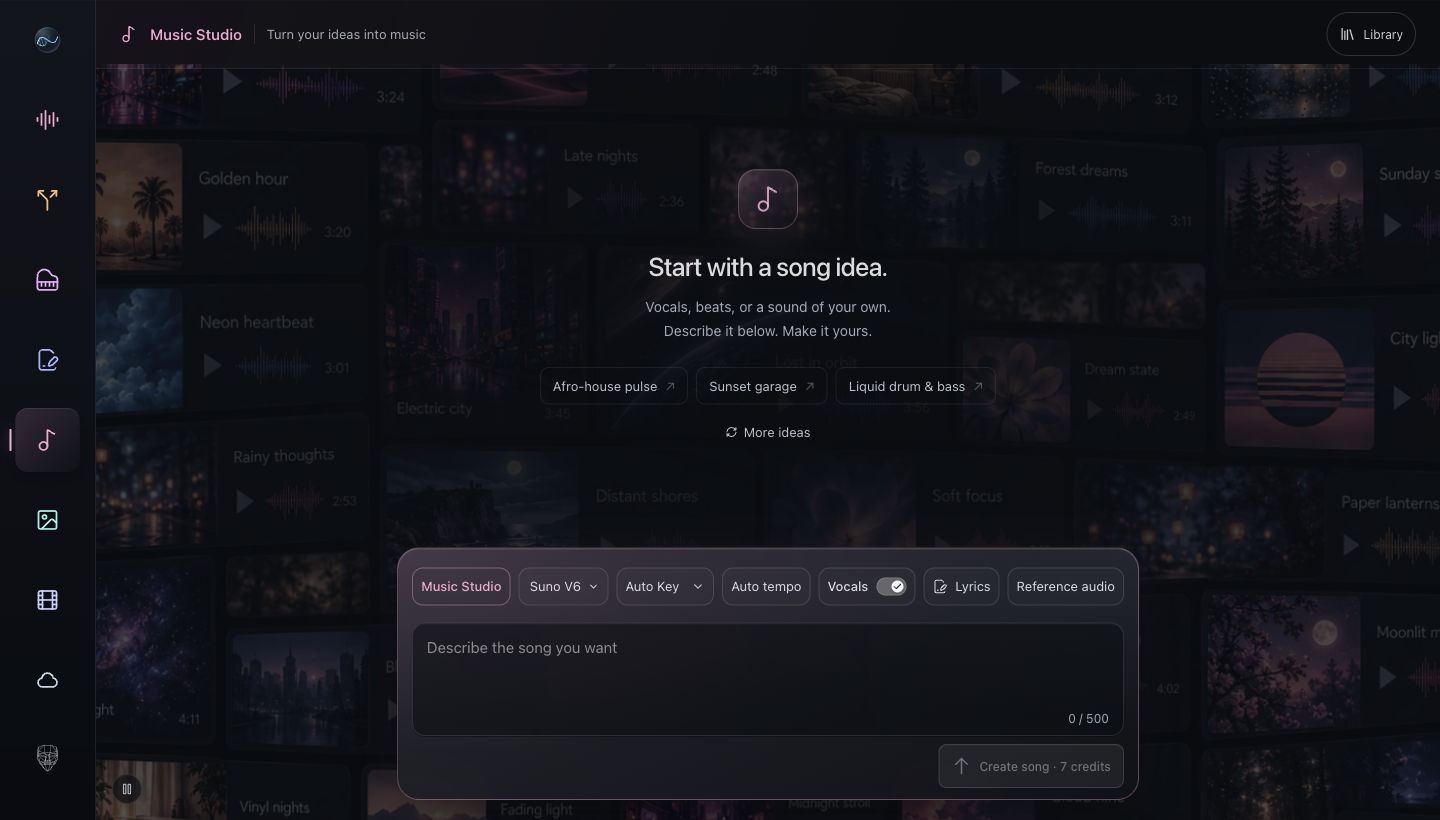
Your words. Your sound. A song you can build on.
Songs, stems, artwork. Saved together. Ready for what’s next.
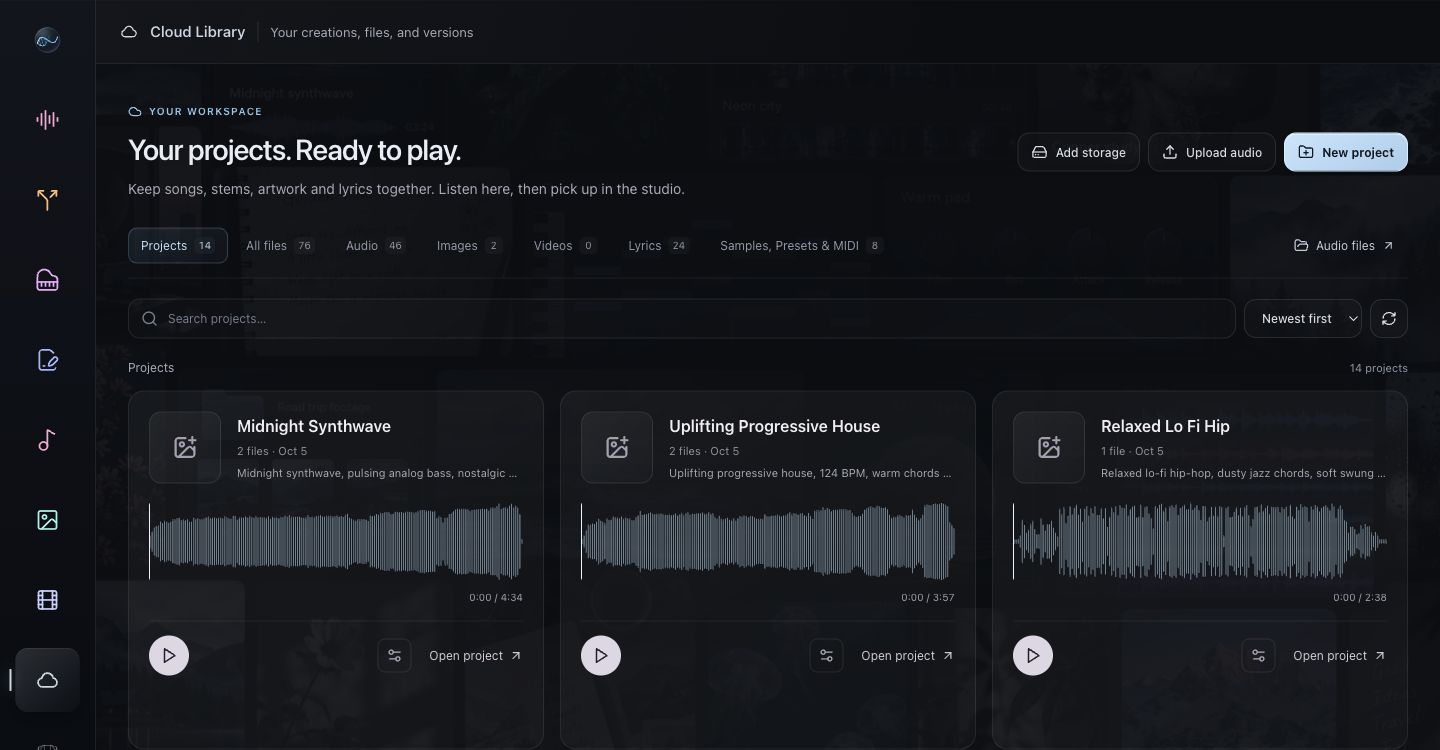
Describe it. Choose a model. Create.
Full songs. Vocals. Instrumentals. Your direction.
Follow your idea wherever it takes you. Your next tool is already here.
Explore ideas. Find your direction.
MAKE THE SONGPrompt to song. Vocals or instrumental.
FIND YOUR SOUNDBeats, samples, and Serum 2 presets.
TAKE IT APARTSeparate a song. Download the parts.
FIND THE WORDSWrite, refine, and save your lyrics.
BUILD THE HARMONYFind the harmony. Export MIDI.
SET THE SCENEYour prompt. Your artwork.
PUT IT IN MOTIONText or image. Into motion.
KEEP IT TOGETHERYour songs and files. Together.
Start with pay as you go, or choose a subscription with monthly credits and Cloud storage. Review the generation estimate before you create.
$0monthly subscription
$14.99/ month
$34.99/ month
Paid prices shown for monthly billing. Annual options are available on the pricing page. Pay as you go has no subscription or included monthly credits. Generation is charged separately.
Need more space? Add 100 GB for $2.99/month from Cloud.
Chat included. Pay as you go with Wallet, or subscribe for monthly credits. See the cost before every generation.